Client Projects
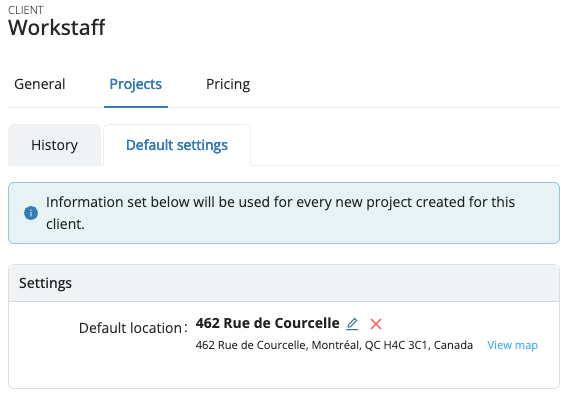
To access these settings, click on a client name from the Clients list, then go to the Projects tab, where you will find both the History and Default settings sections.
History
The Project History allows you to keep track of all the projects you have created for each one of your clients.
Default Settings
The information configured in this section will be applied to every new project created for this client.
- Default location
- Approximate location shown in publications
- Information documents for staff
- Field Reports
- Notes to Staff
note
These settings can always be adjusted individually for each project, if needed.